
Changes AFTER Custom Done
There will be instances where the reseller wishes to make further changes to the job after the Custom Design has been done. There are 3 scenarios that can be taken into account with current remedies illustrated below.
Engineering Amendments to the Document ONLY
Create a new Engineering Approval page using the original job number
(Links to the job and will update the engineering drawings in the documents tab)
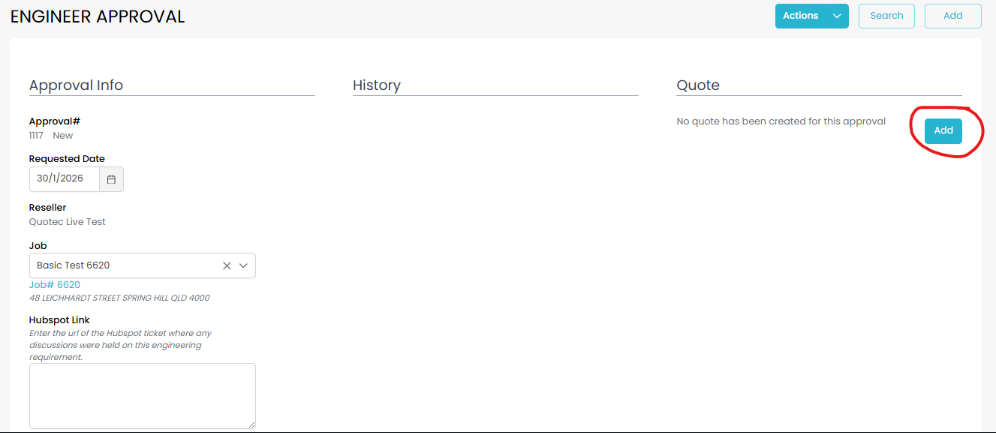
Send Quote to Reseller via the new Engineering Approval page
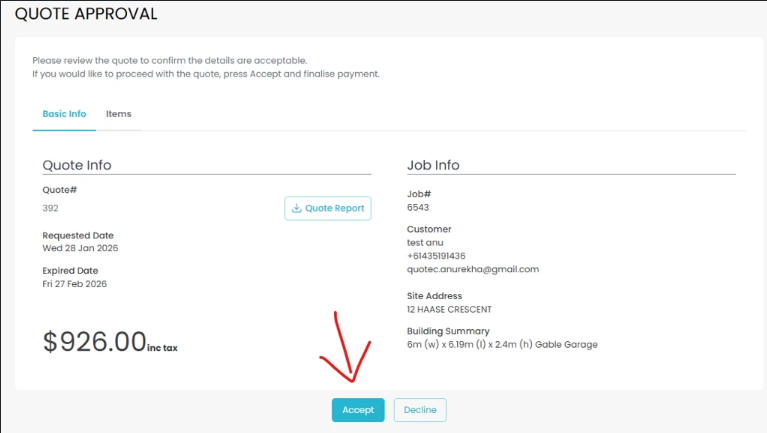
Reseller Accepts and Pays Quote
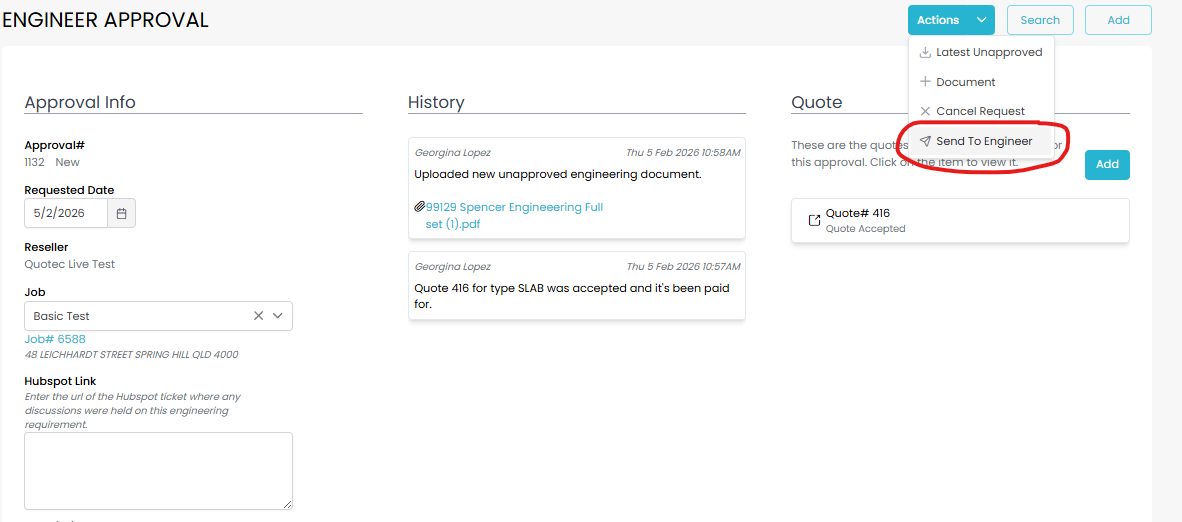
Add updated engineering drawings to the Engineering Approval page
Send to Engineer
GM send to Reseller automation - Engineering Document updates in Job Management page
Additional BOM edits / Import (BEFORE plans or job purchase)
Reseller must Custom Request again
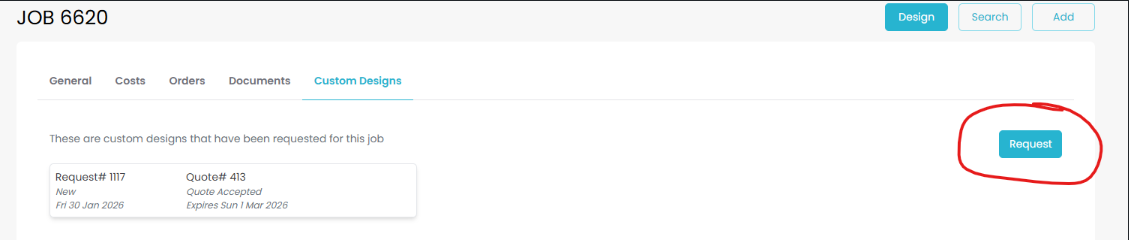
System creates a new Engineering Approval page
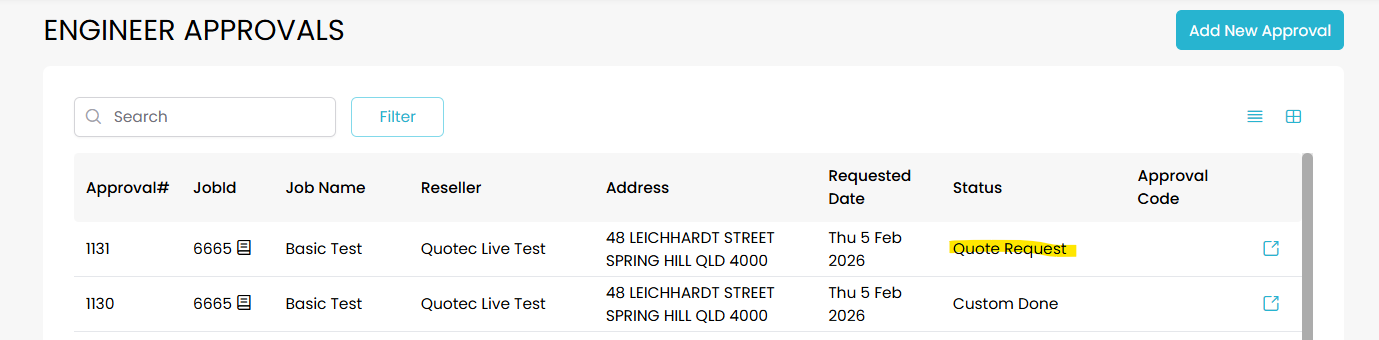
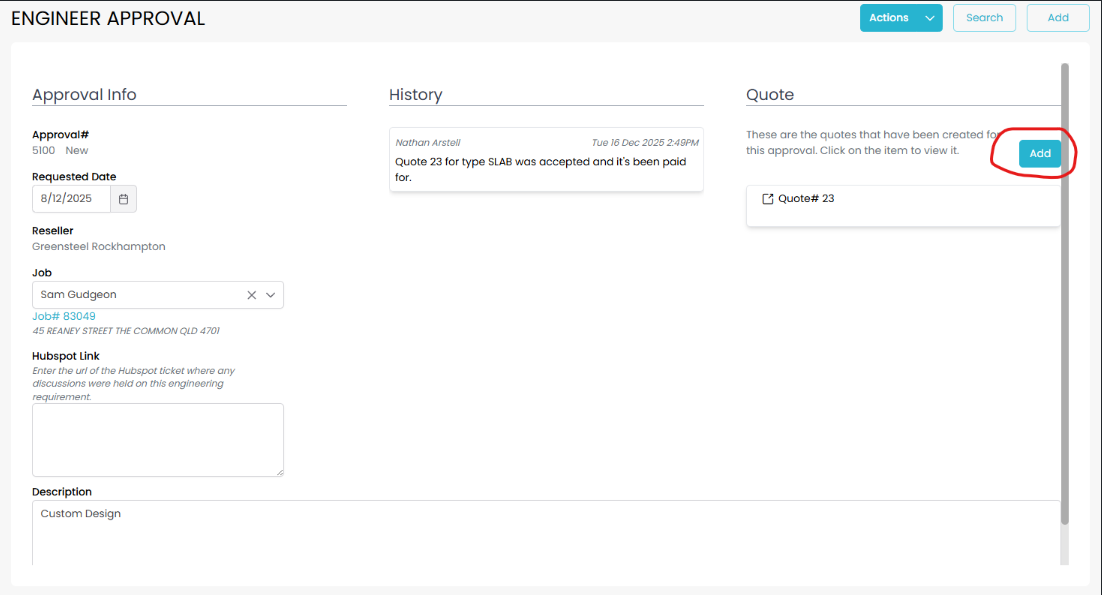
Send Quote to Reseller via the new Engineering Approval page
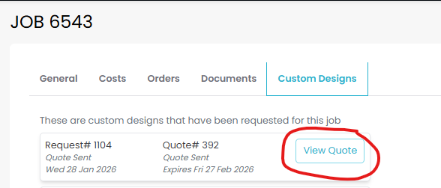
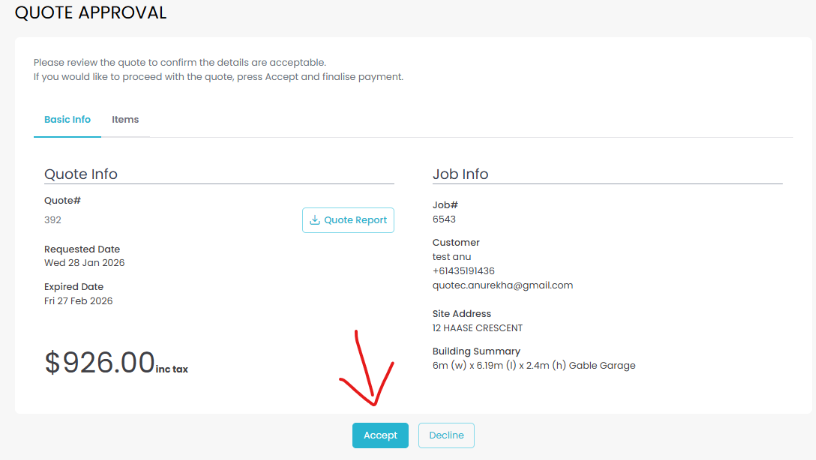
Reseller Accepts and Pays Quote
Upload BOM Import and amended engineering drawings
Custom Done
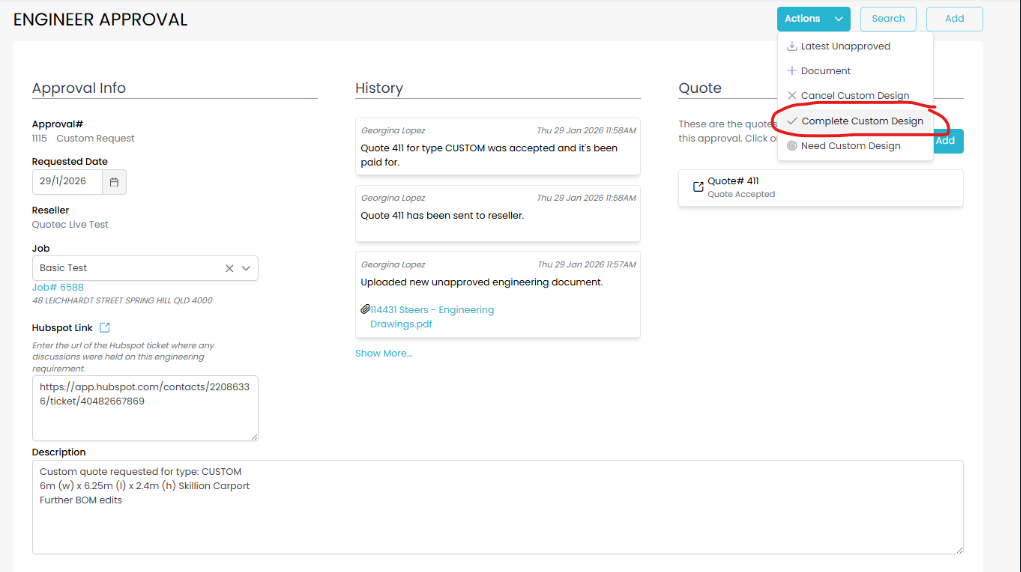
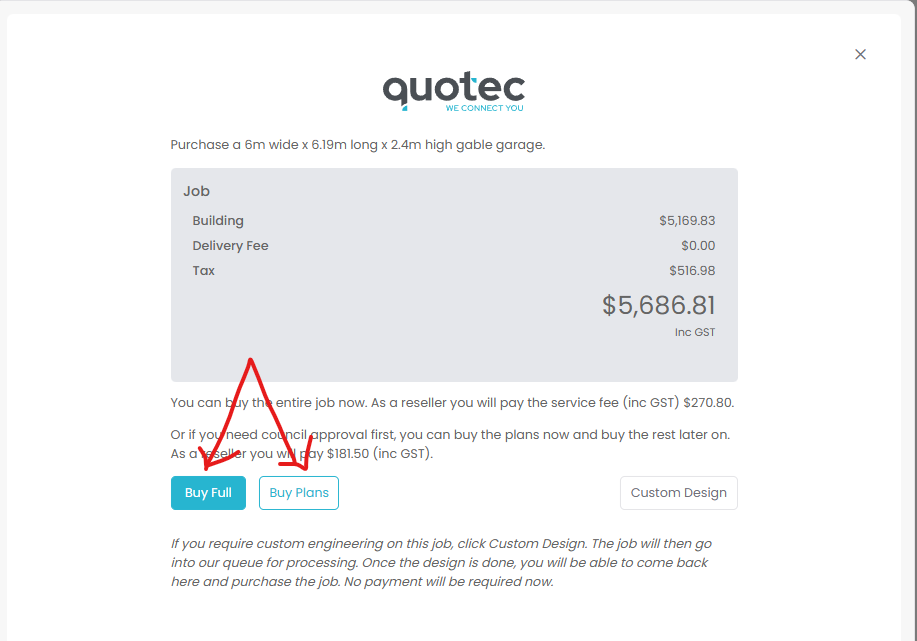
Reseller purchases plans or full job
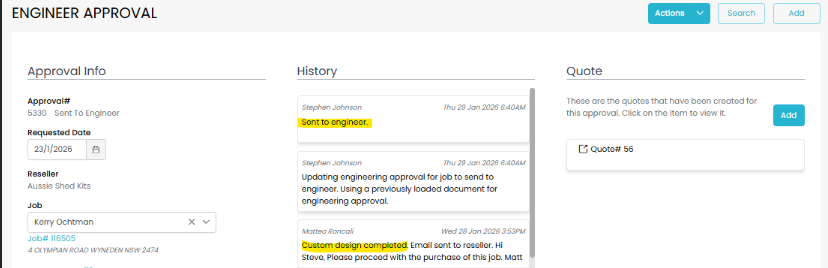
Sent to Engineer automation
Send to Reseller
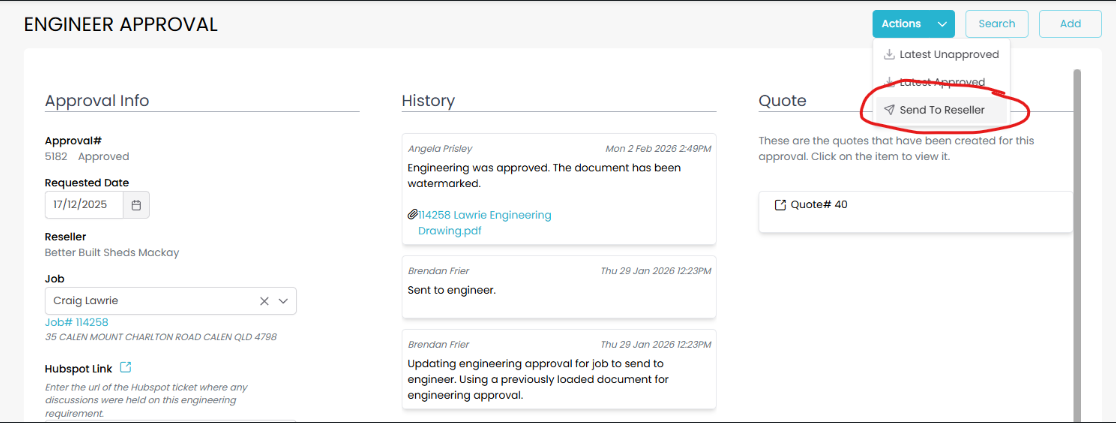
Engineering Document updates in Job Management page
Additional BOM edits / Import (AFTER plans or job purchase)
Reseller must Copy the job and bring the new job to a Quote stage
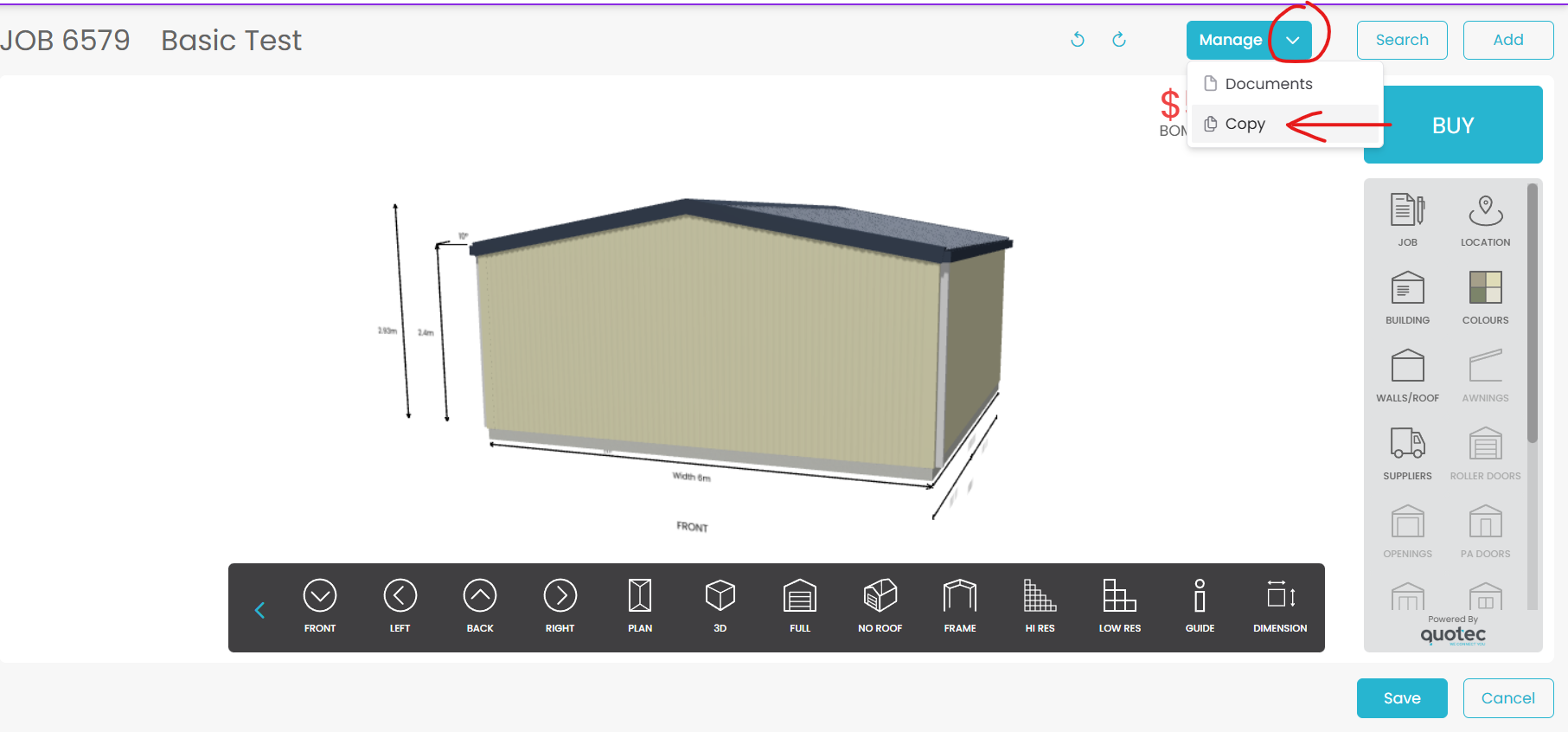
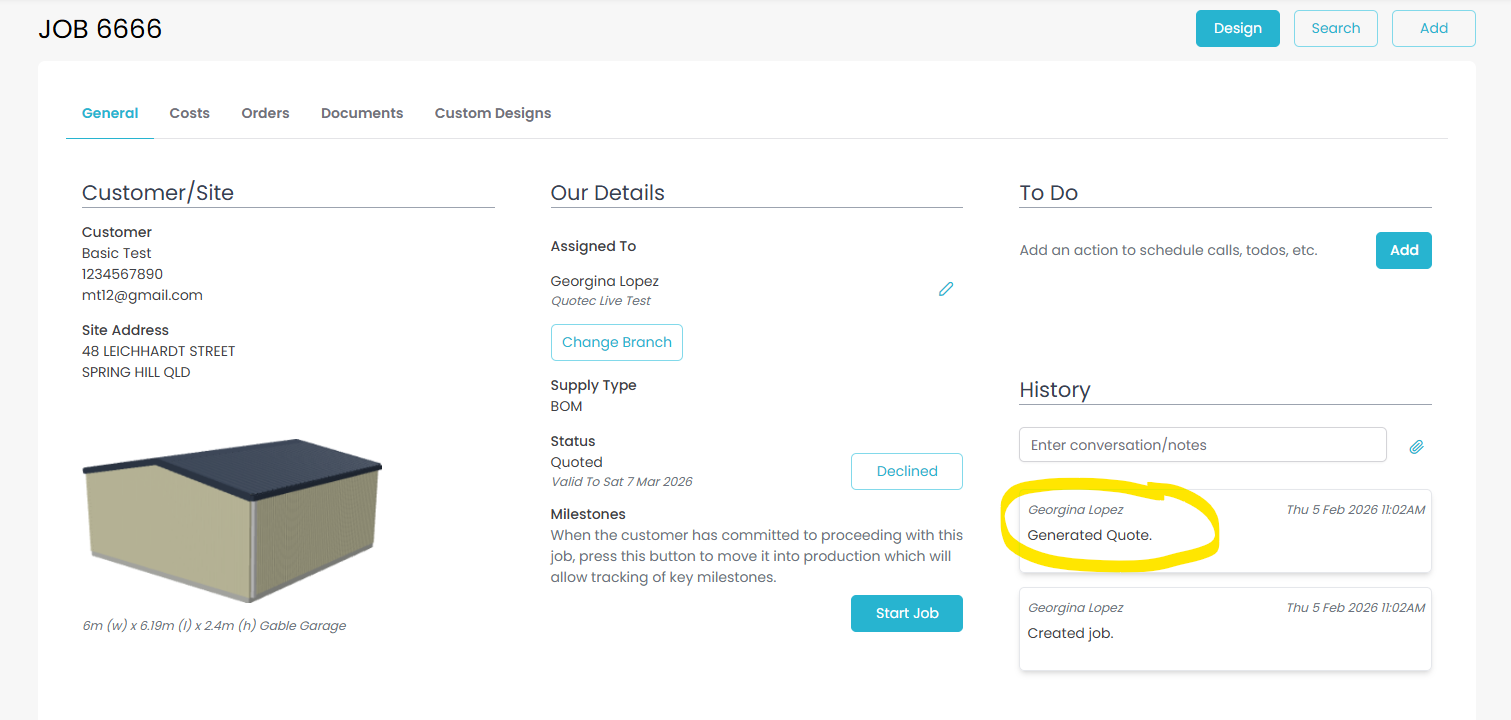
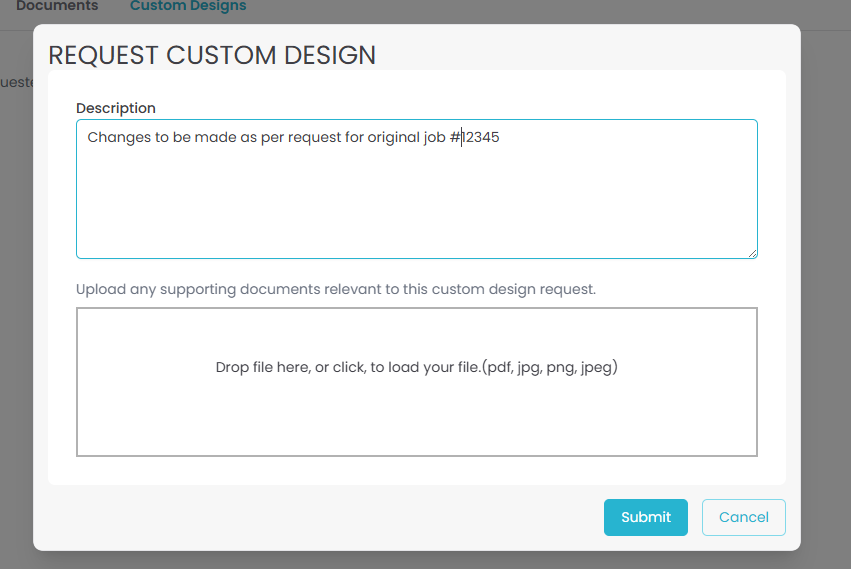
Reseller must then select “Custom Request” button

Reseller must provide information in the description field about the original job and changes to be made
Accounts will send a quote via the engineering approval page of the new job
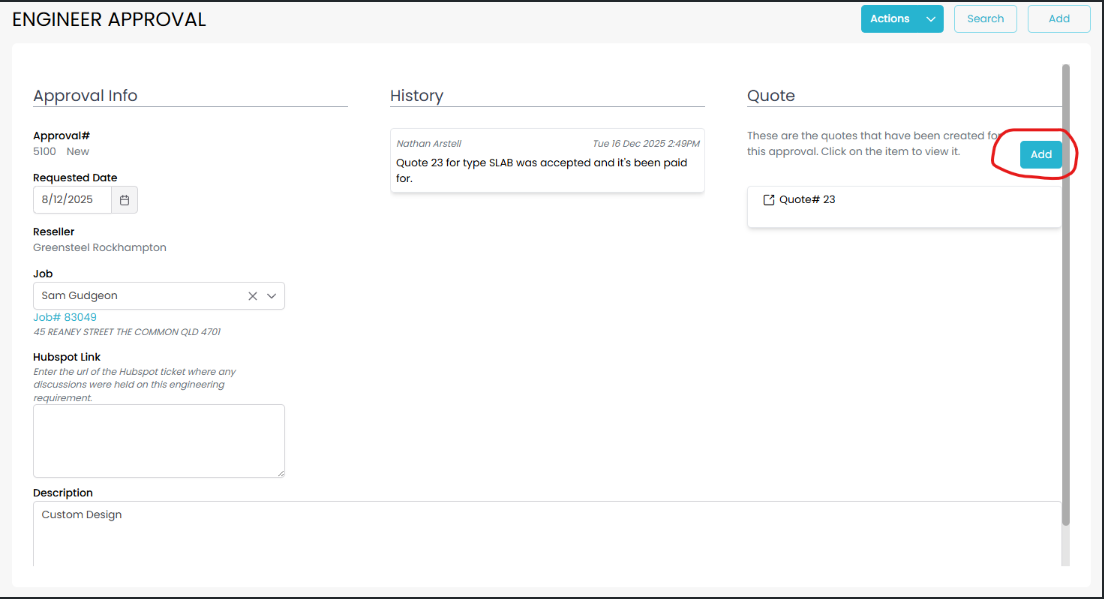
Reseller must Accept and Pay the quote
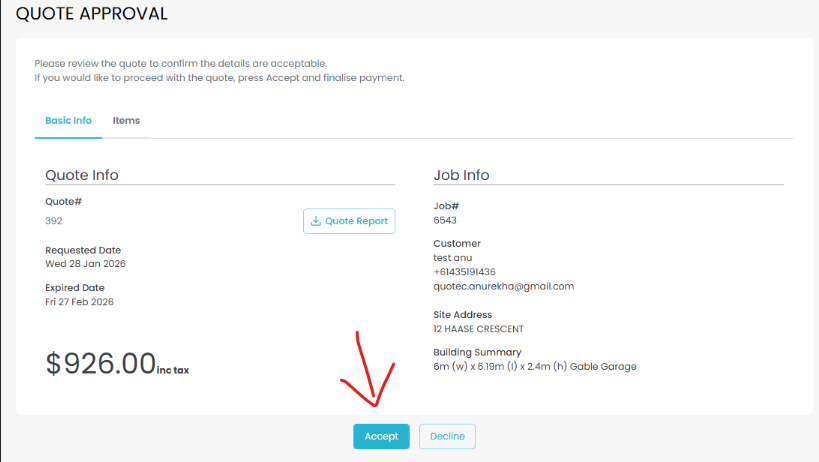
Quotec team will update engineering and do BOM import in the new job
Custom Done
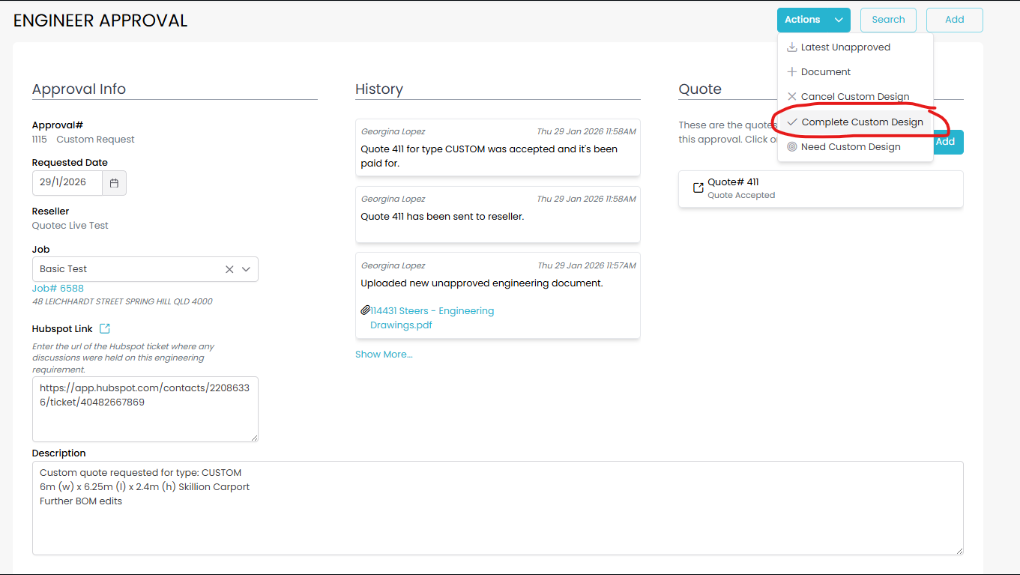
Reseller must purchase plans or full job
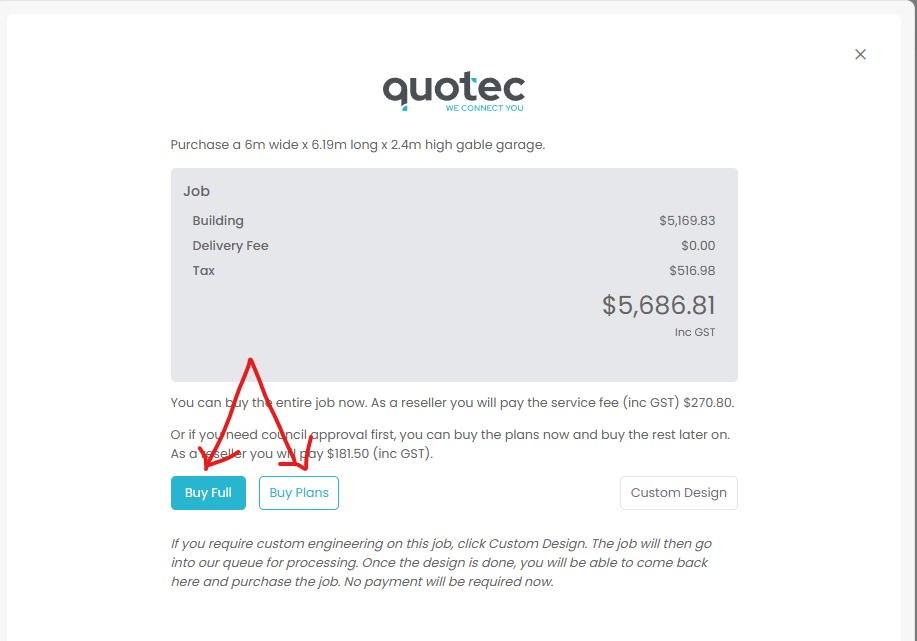
Send to Engineer automation
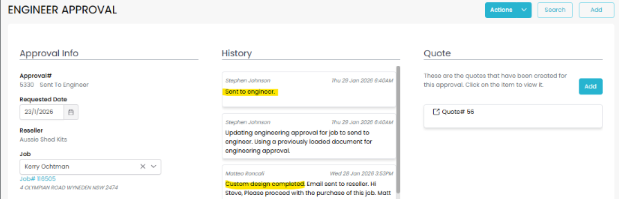
Send to Reseller
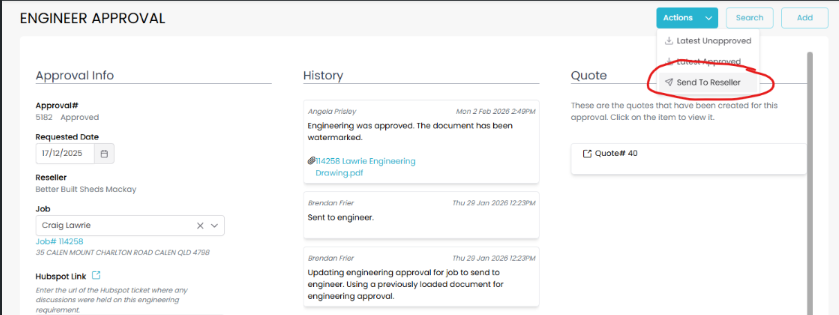
11. Engineering Document updates in Job Management page